Z-Image Turbo: Efficient AI Image Generator
Z-Image Turbo is the revolutionary 6B parameter diffusion model from Tongyi-MAI. This efficient AI image generator delivers photorealistic results with Single-Stream DiT architecture, generating 1024px images in just 8 steps on consumer hardware.
View GalleryLoading AI Demo...
Latest from Our Blog
Tips, tutorials, and updates about AI image generation


Why Choose Z-Image Turbo?
The first true 6B parameter diffusion model with S3-DiT architecture. An efficient AI image generator built for speed and quality.
S3-DiT Architecture
Z-Image Turbo utilizes the revolutionary Scalable Single-Stream Diffusion Transformer (S3-DiT) architecture. This efficient AI image generator unifies text and visual processing in a single stream, maximizing parameter efficiency. The S3-DiT architecture explained: it processes both modalities simultaneously, reducing computational overhead while maintaining photorealistic output quality.
8-Step Inference
Z-Image Turbo's Decoupled-DMD distillation enables high-fidelity photorealistic image generation in just 8 steps. This makes it the fastest text-to-image model in its class, achieving sub-second latency on RTX 4090. No other 6B parameter diffusion model matches this speed-to-quality ratio.
Low VRAM Requirements
Z-Image Turbo runs natively on consumer hardware with just 12GB VRAM. This low VRAM stable diffusion alternative is optimized for RTX 3060/4070 series cards. Check the Z-Image VRAM requirements below - it's the best local AI image generator for users without datacenter GPUs.
Native Bilingual Text
Z-Image Turbo features high-fidelity text rendering in both English and Chinese, powered by a modified Qwen3-4B encoder. This Alibaba generative AI model excels at typography generation, making it ideal for marketing image design and bilingual content creation.
$0.005 / Megapixel
Z-Image Turbo offers extremely low inference costs compared to 12B+ parameter models like FLUX. Run it locally for free - no cloud subscriptions required. The AI image generation benchmark 2026 shows this model delivers 95% of FLUX image quality at 20% of the compute cost.
Apache 2.0 License
Z-Image Turbo is fully open-source under the Apache 2.0 license, permissible for commercial use. Unlike FLUX's restrictive license or Midjourney's closed system, Tongyi-MAI's model gives you complete freedom. Download, modify, and deploy it for image generation without limitations.
Z-Image Turbo Gallery
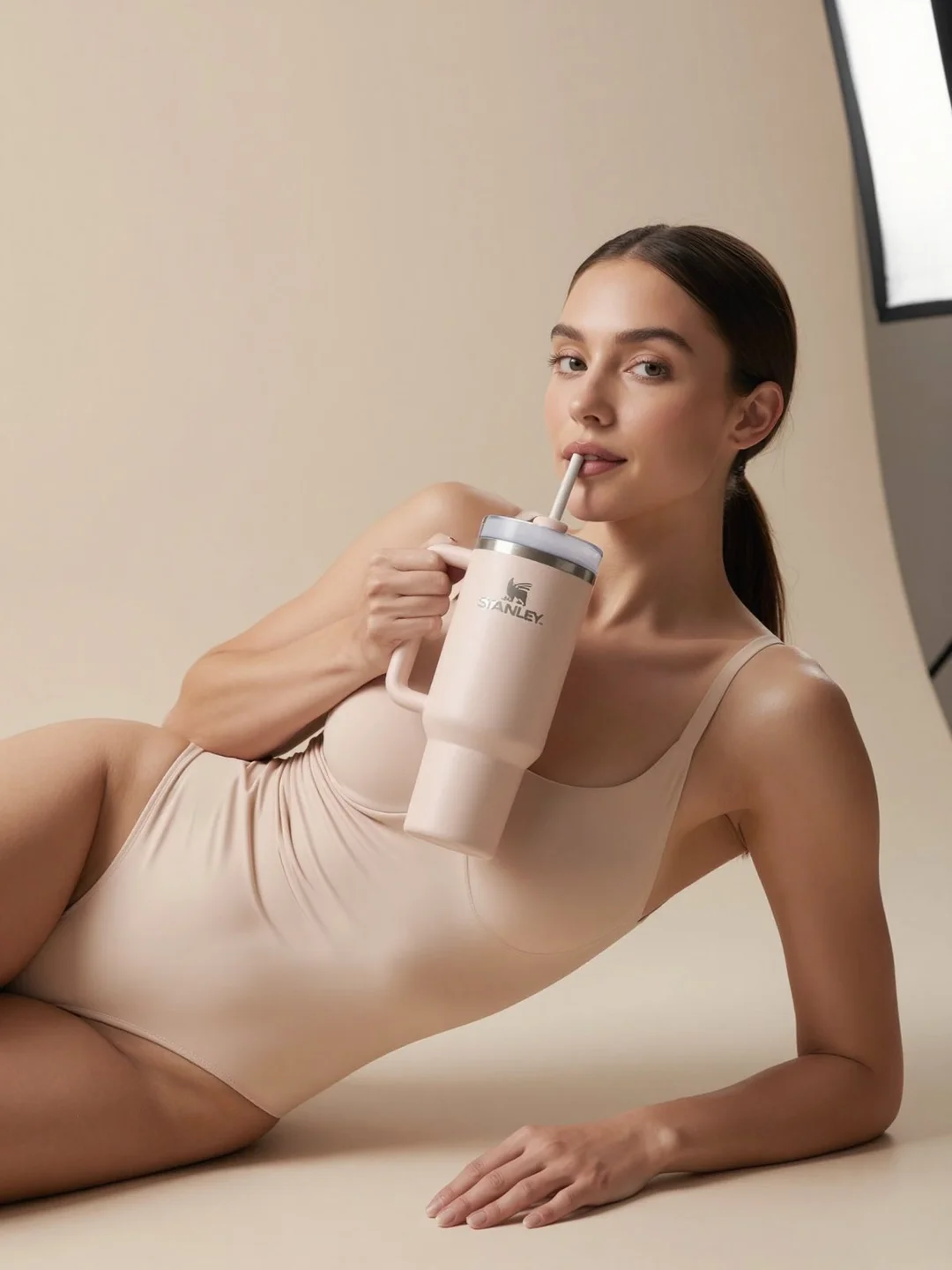
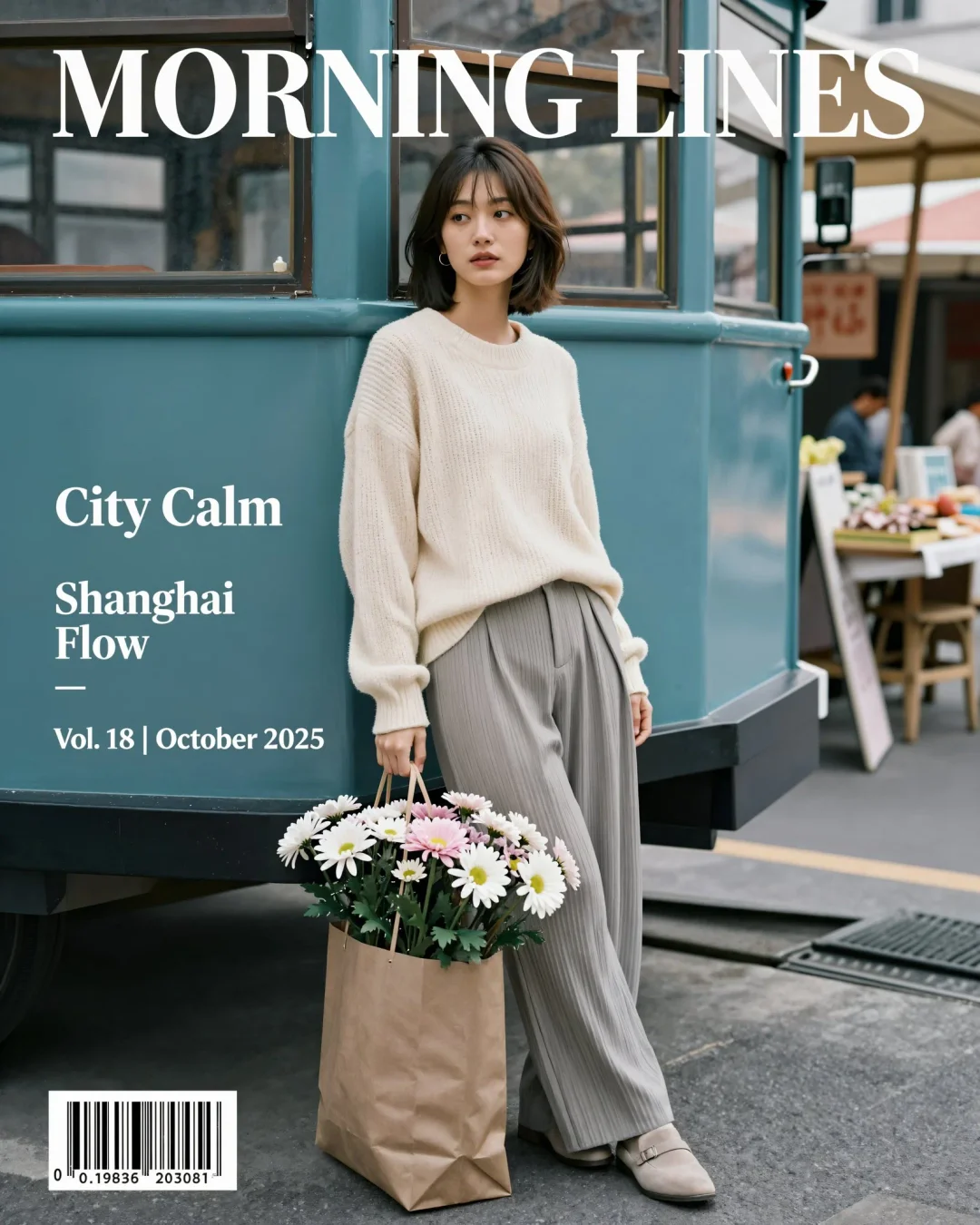
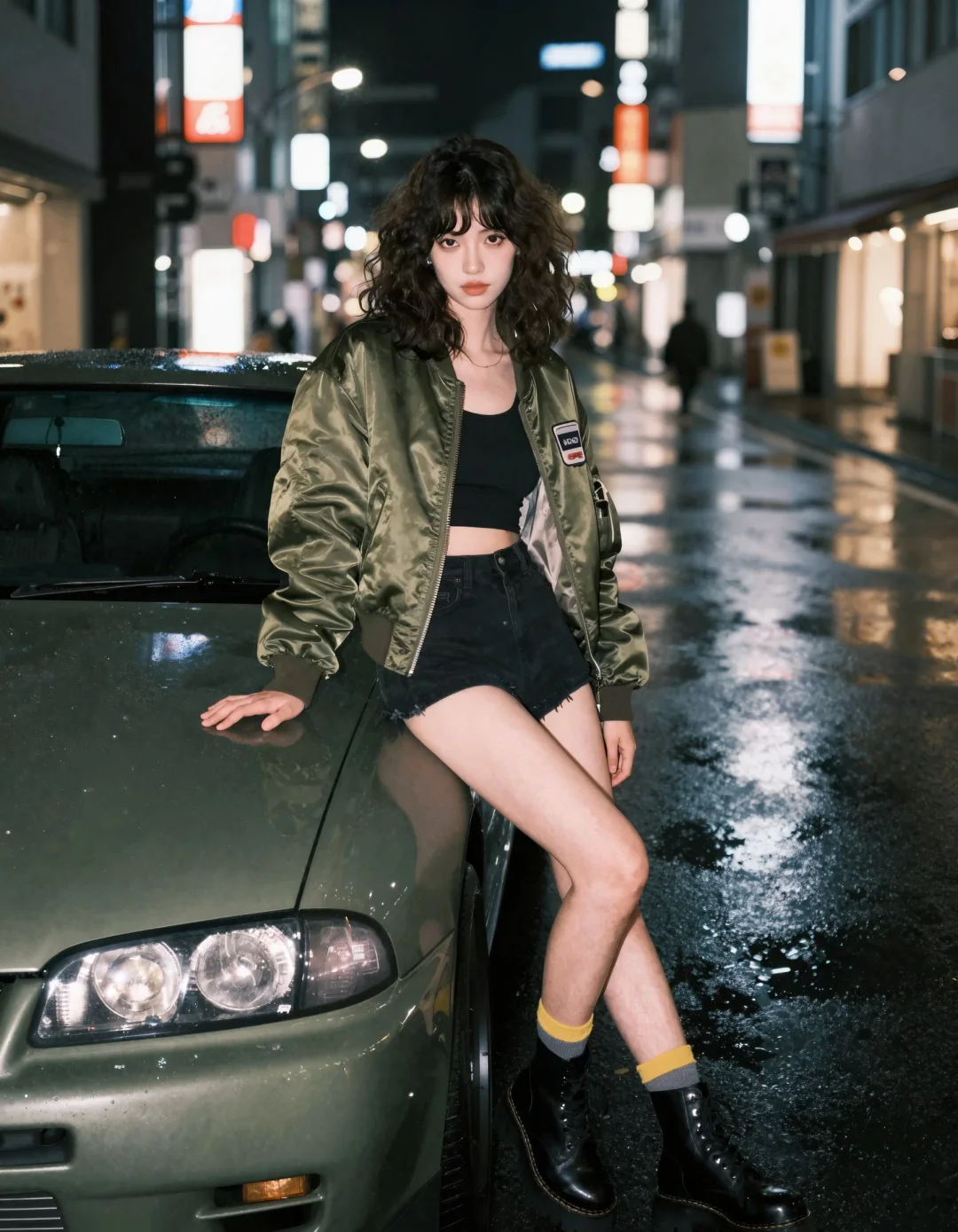
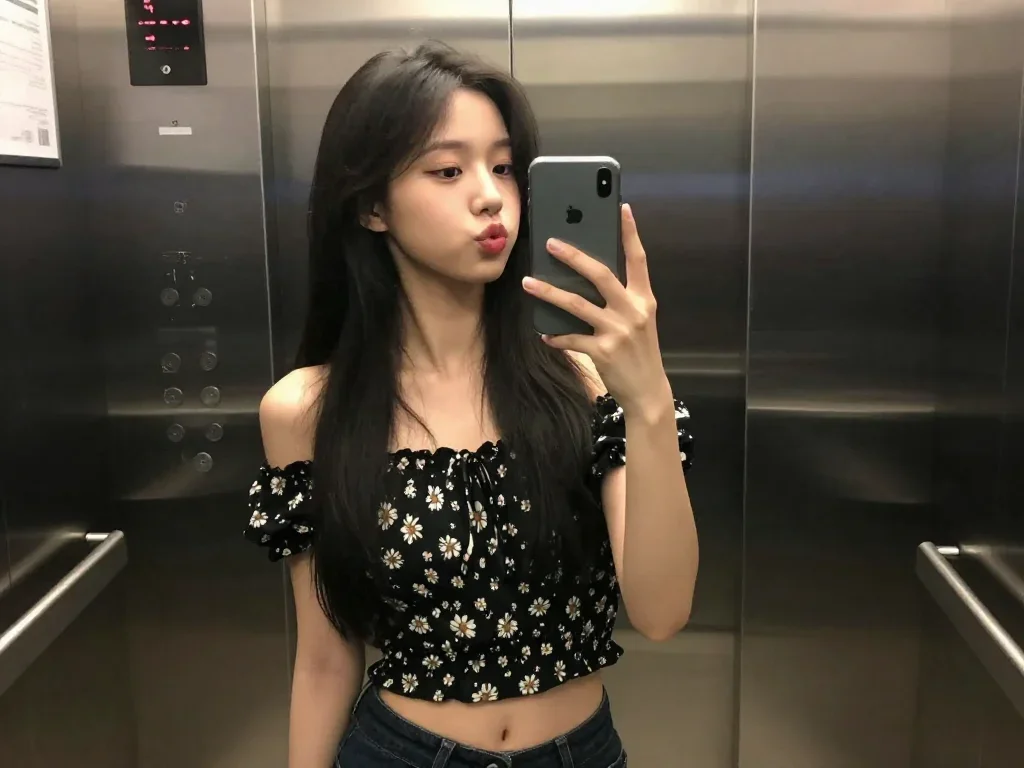
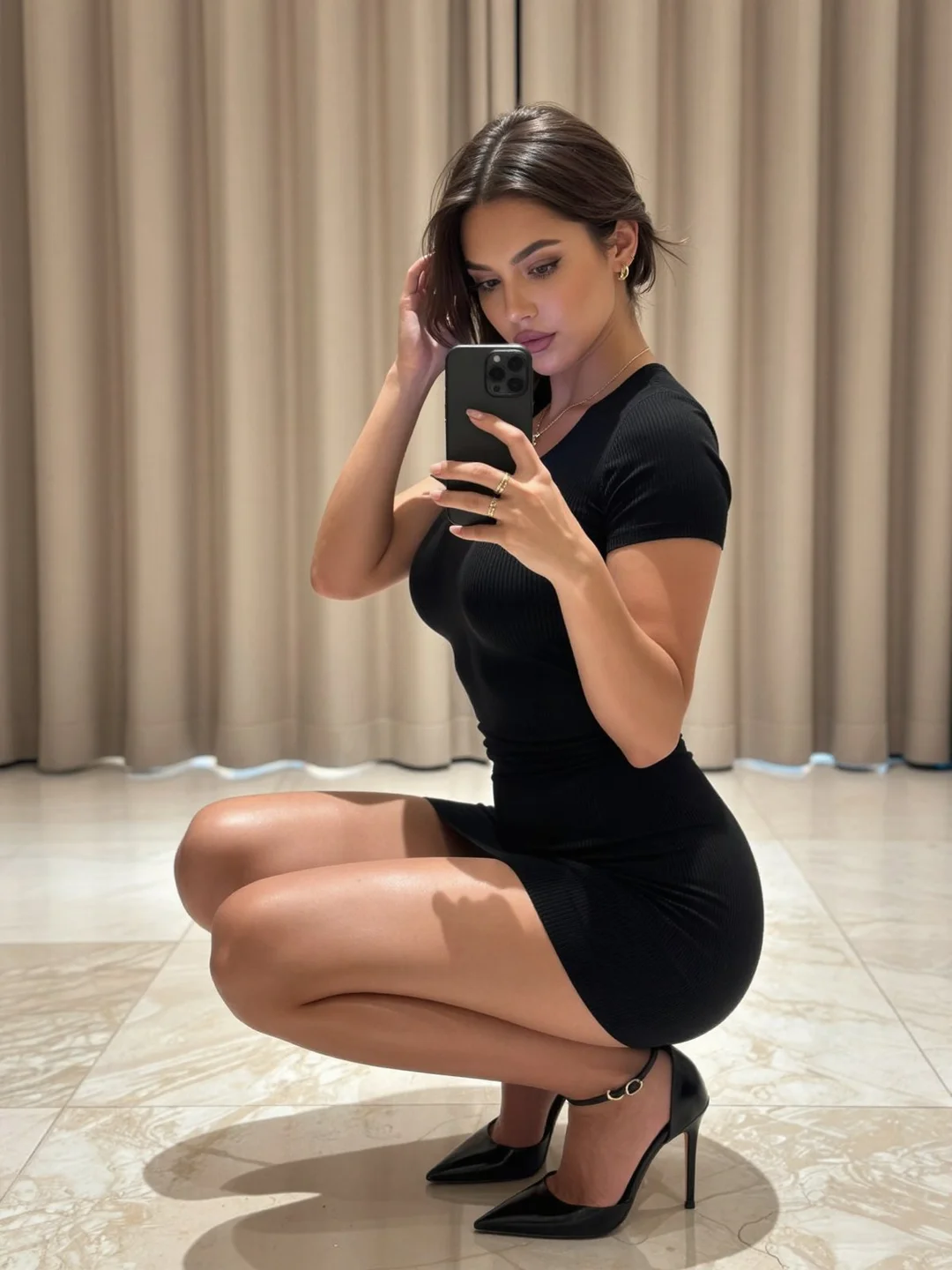
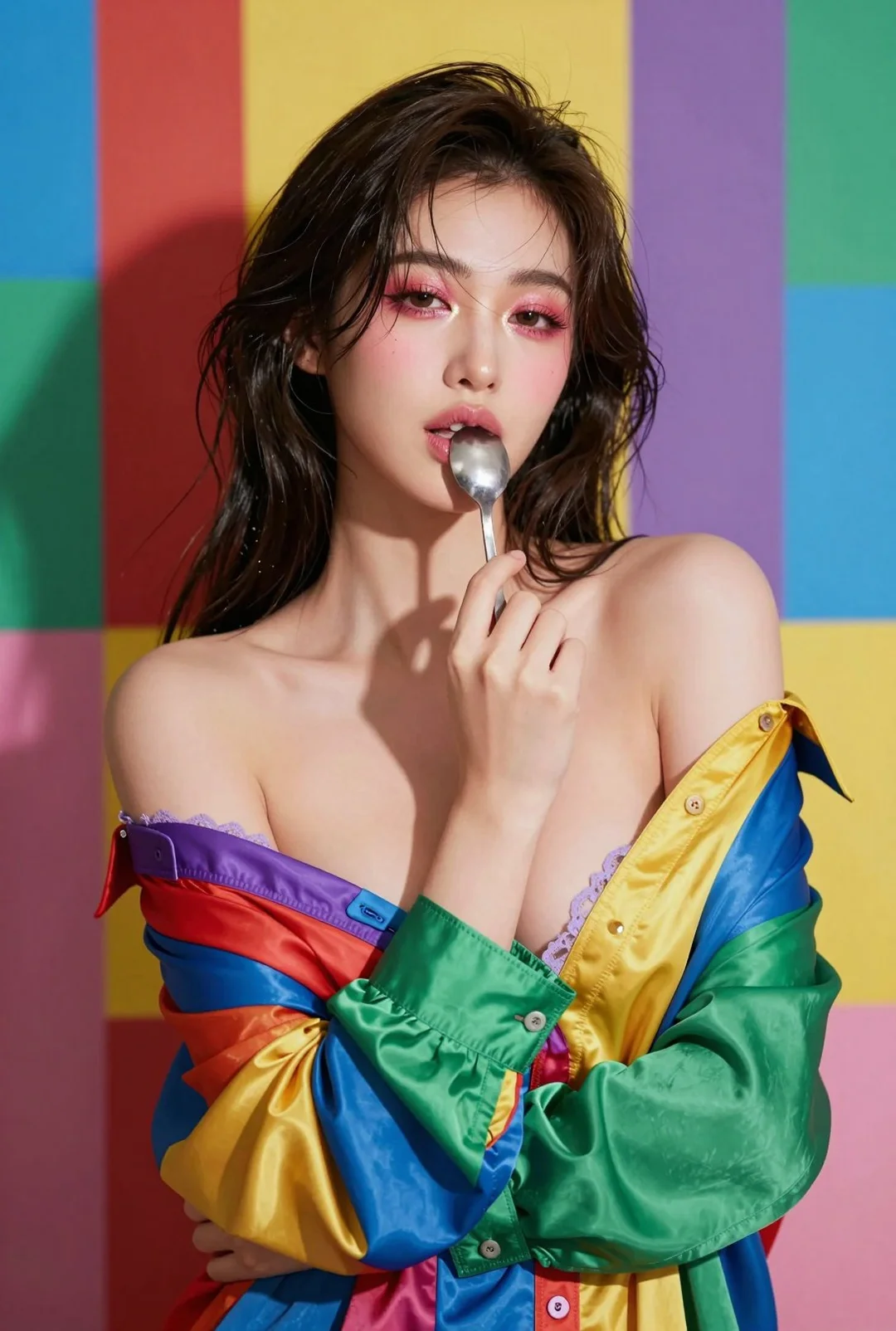
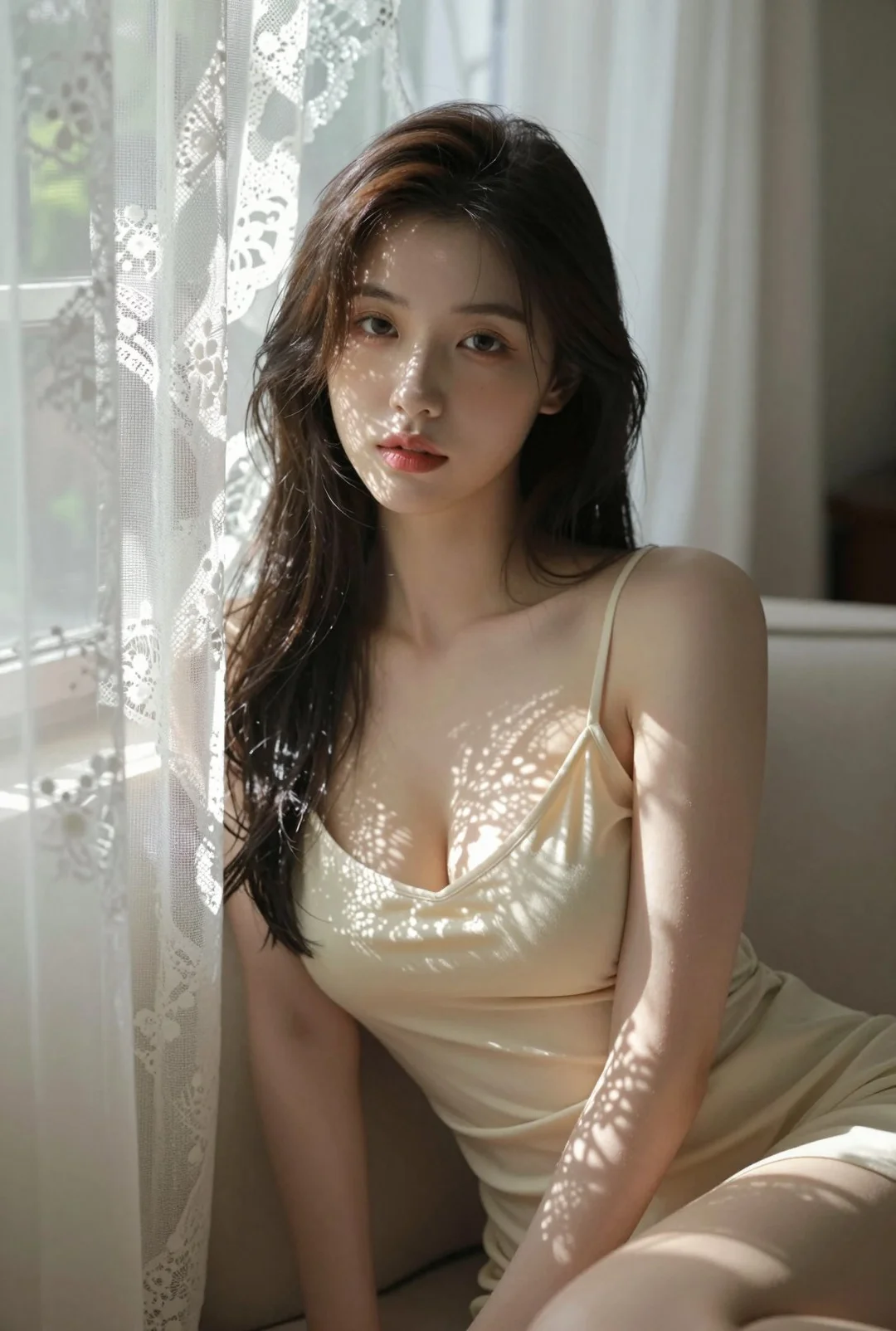
Open-source photorealistic AI image output. Native 1024x1024 resolution in just 8 steps.
"scene : type : studio_photoshoot , background : color : soft warm beige , texture : smooth seamless paper backdrop , style : minimal, clean, fashion e..."
"Prompt: A magazine cover of a stylish 20-year-old Chinese woman with bob-cut hair, casually leaning against a teal tram in a quiet early-morning stree..."
"scene_description : A stylish, retro-cool urban portrait of a young woman sitting on the hood of a vintage car in front of a colorful Japanese storefr..."
"Mid-shot selfie: A young East Asian woman with long, black hair takes a mirror selfie inside a well-lit elevator. She is styled in a cute, playful way..."
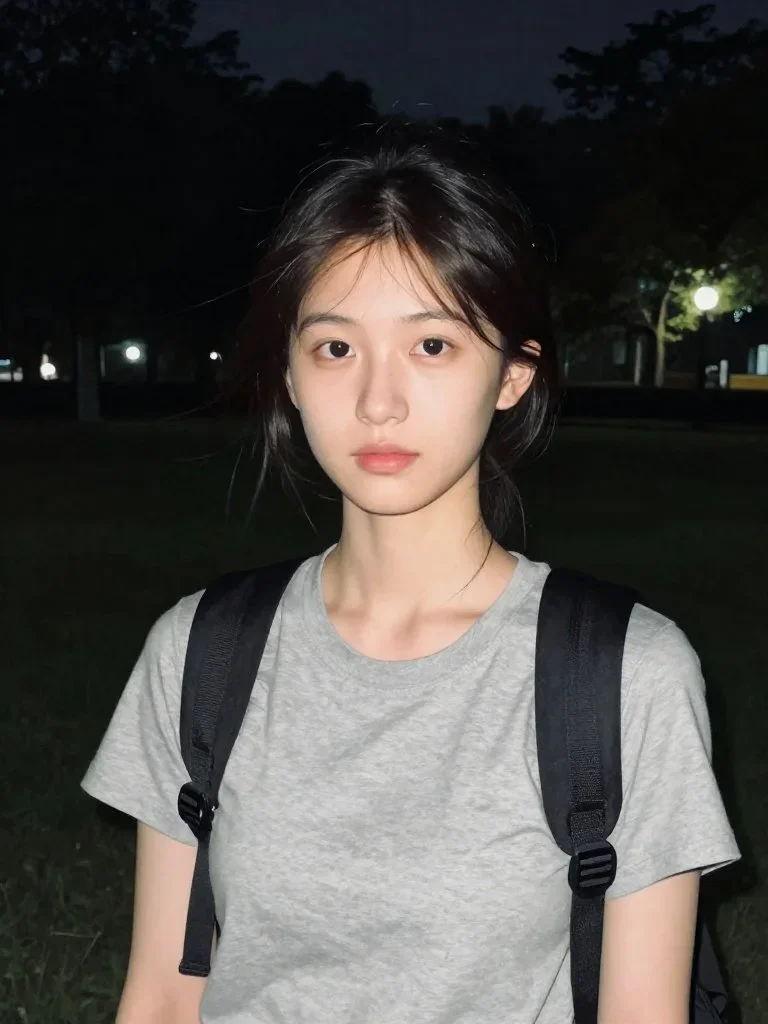
"A realistic nighttime outdoor portrait of a young East Asian woman standing in a quiet park. Soft flash highlights her face while the background stays..."
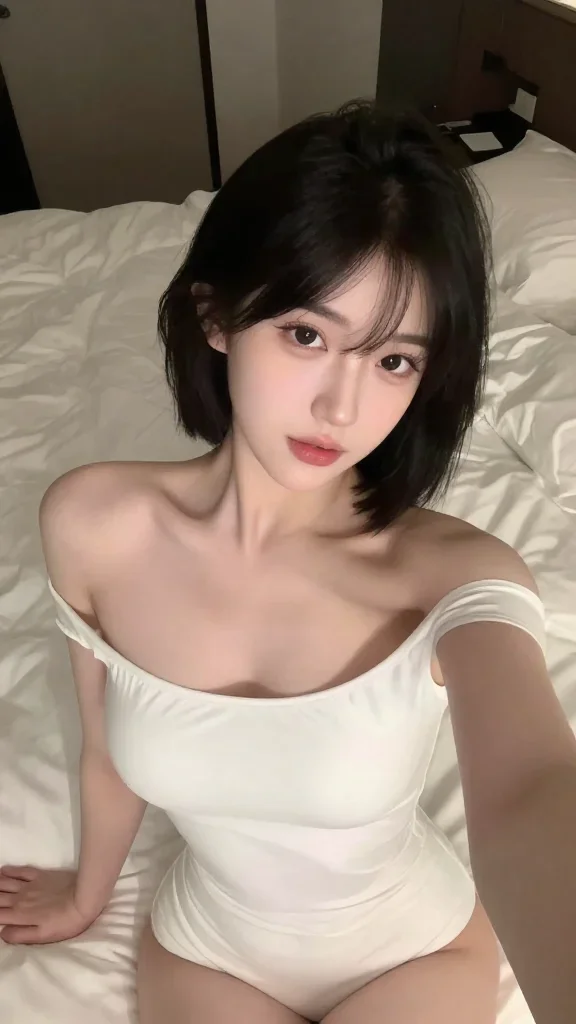
"A close-up of a selfie image: A young East Asian woman with short, black hair takes a selfie lying on the bed inside her dim-lit room. On the backgrou..."
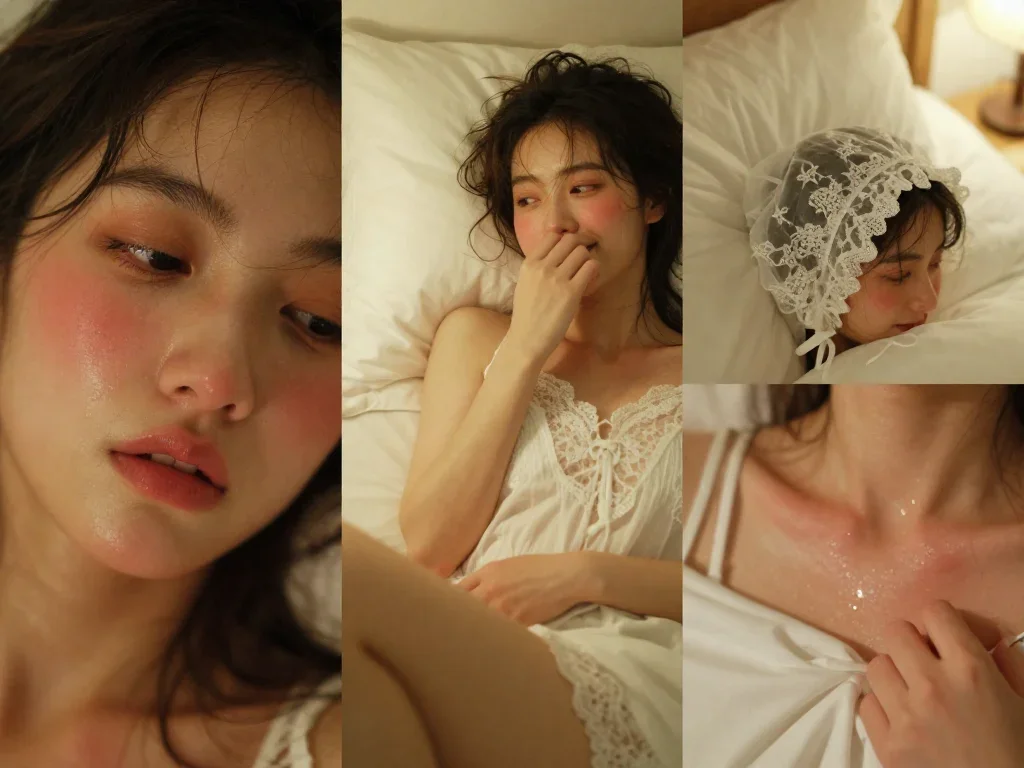
"A horizontal triptych photolayout, film photography style, showing the young woman from image_0.png in an intimate bedroom setting with a lingering se..."
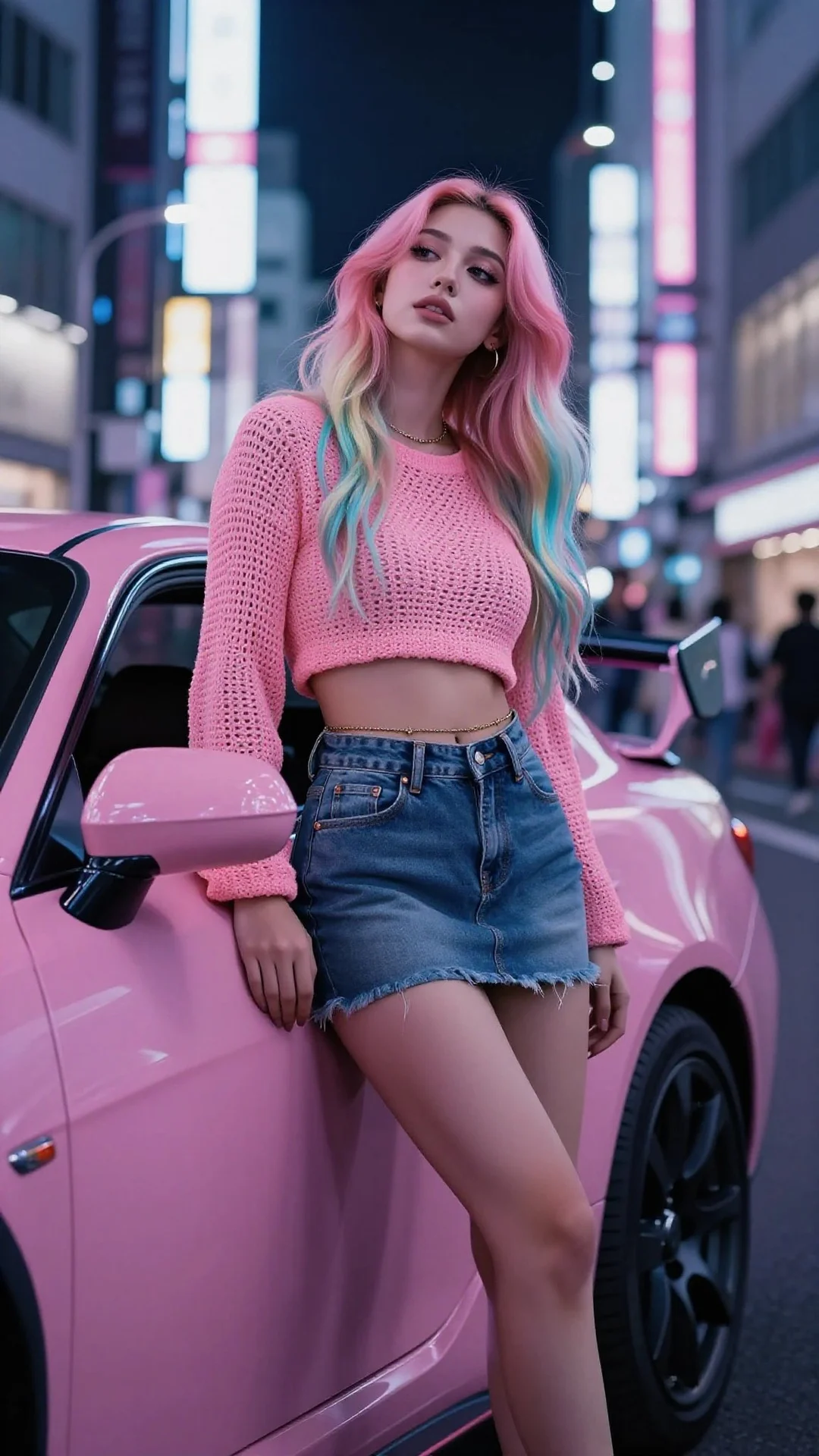
"Tokyo nightlife editorial. Full body shot, low angle looking up slightly. A cool, alluring young woman is resting her lower back against the hood of a..."
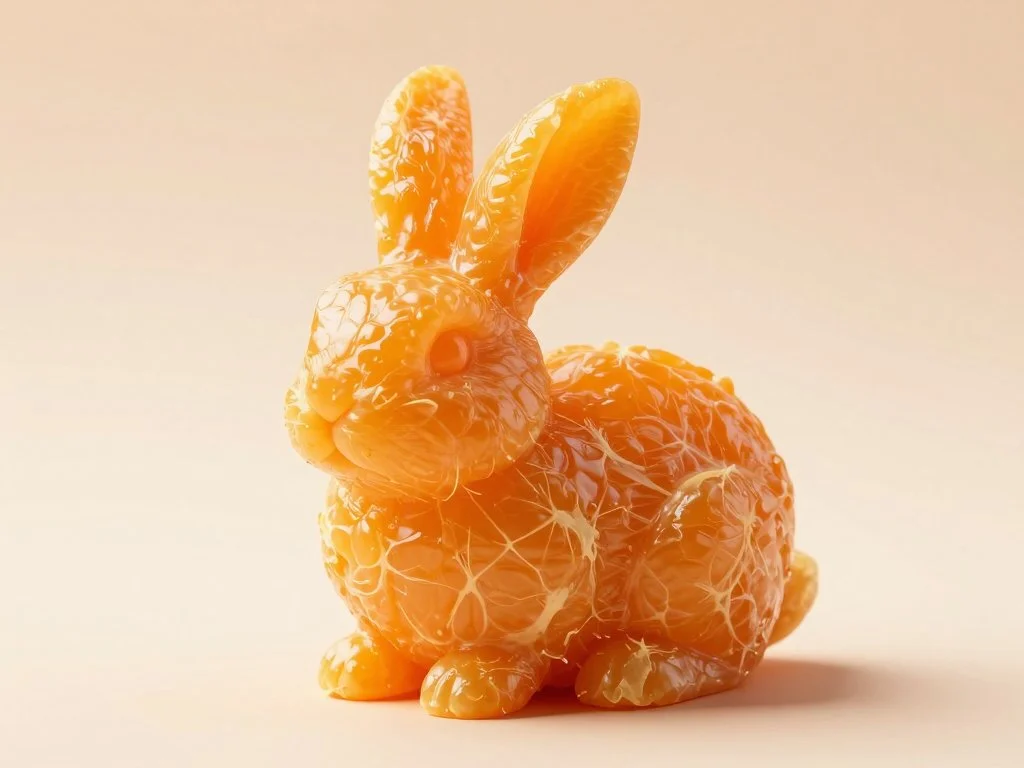
"Prompt on Nano Banana Pro : hyper-realistic image showcasing an extraordinary piece of orange pulp, meticulously sculpted into an elaborate SUBJECT fo..."
"image_prompt : face_preservation : use_reference_face : true, accuracy : match face exactly from reference image , preserve_details : eyes , nose shap..."
"A highly impactful and artistically expressive female portrait photography, blending the essence of Pure & Seductive style. It features a woman in an..."
"A typical 'pure desire' style female portrait photography, showcasing soft, natural lighting effects and delicate emotional expression. The image feat..."
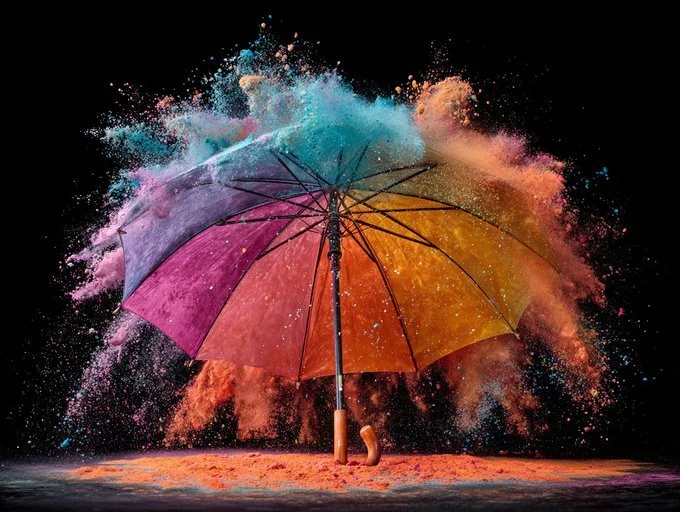
"explosion, particles radiating outward, frozen chaos, high-speed flash photography, dynamic energy, against black background, festival of color, impac..."
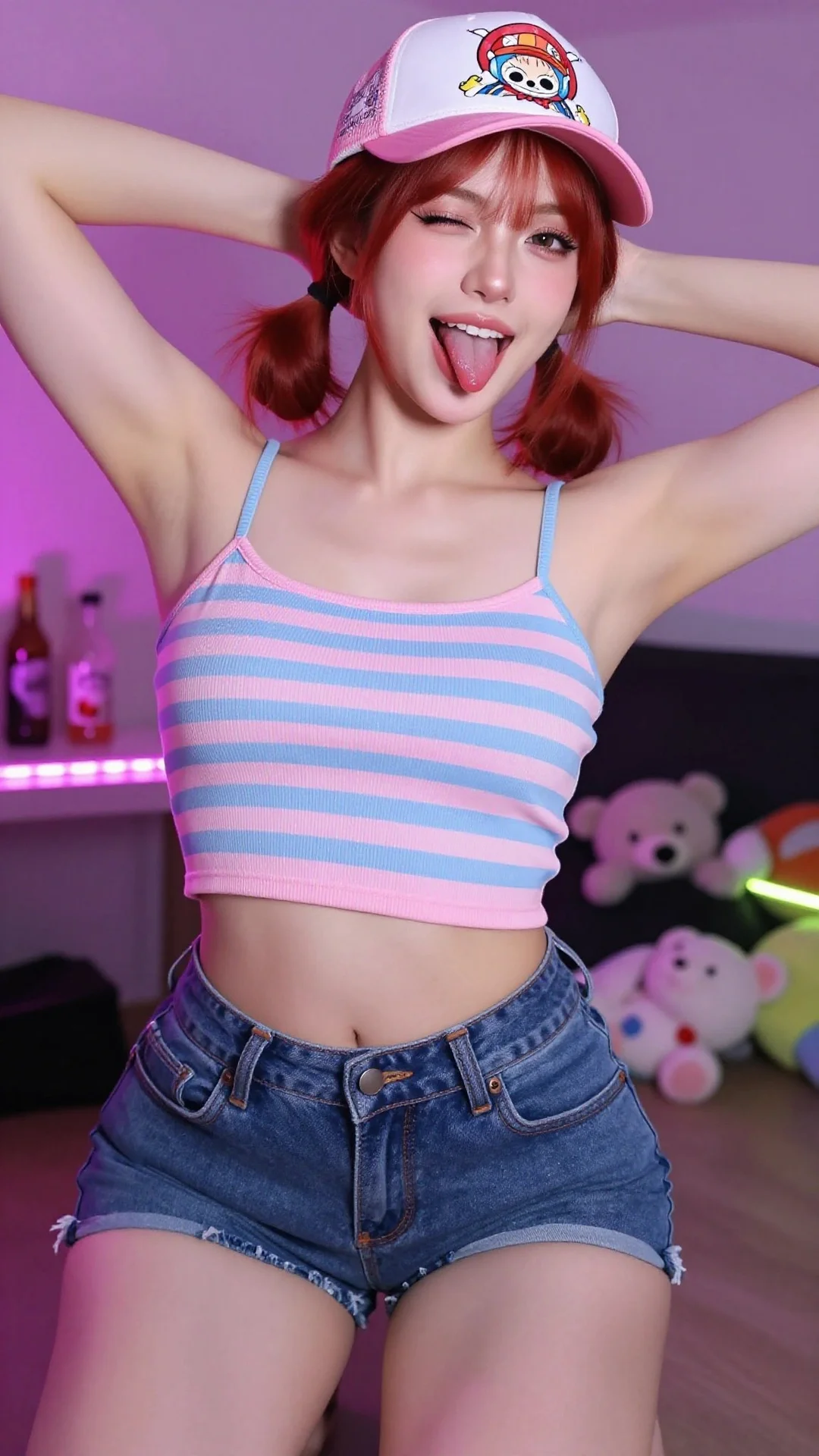
"prompt : A young woman with red-auburn hair tied into two low pigtails, striking a playful pose with her hands behind her head. She is wearing a paste..."
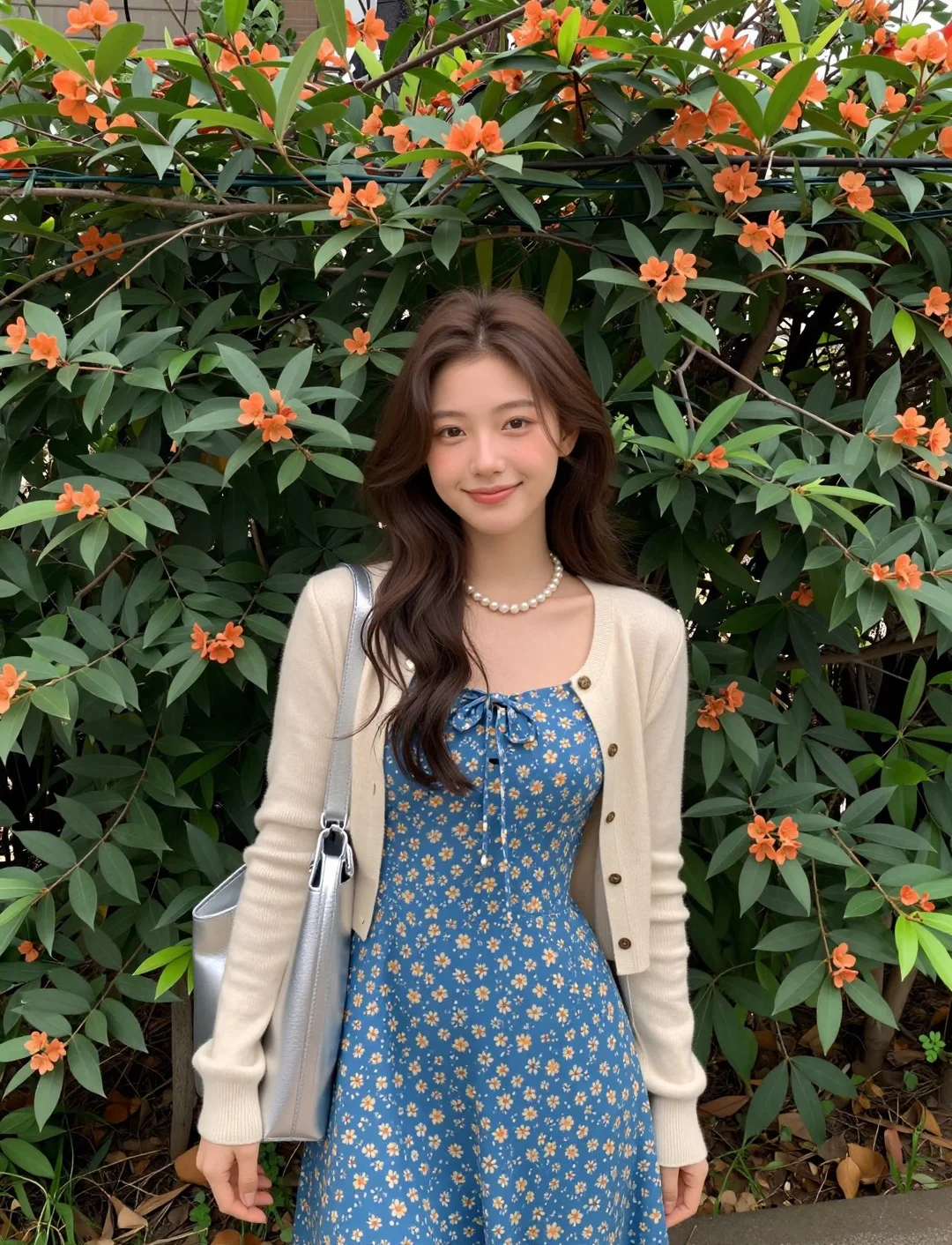
"An ultra-realistic street-garden portrait of an asian female idol. Subject centered in front of a thick hedge speckled with small orange blossoms. She..."
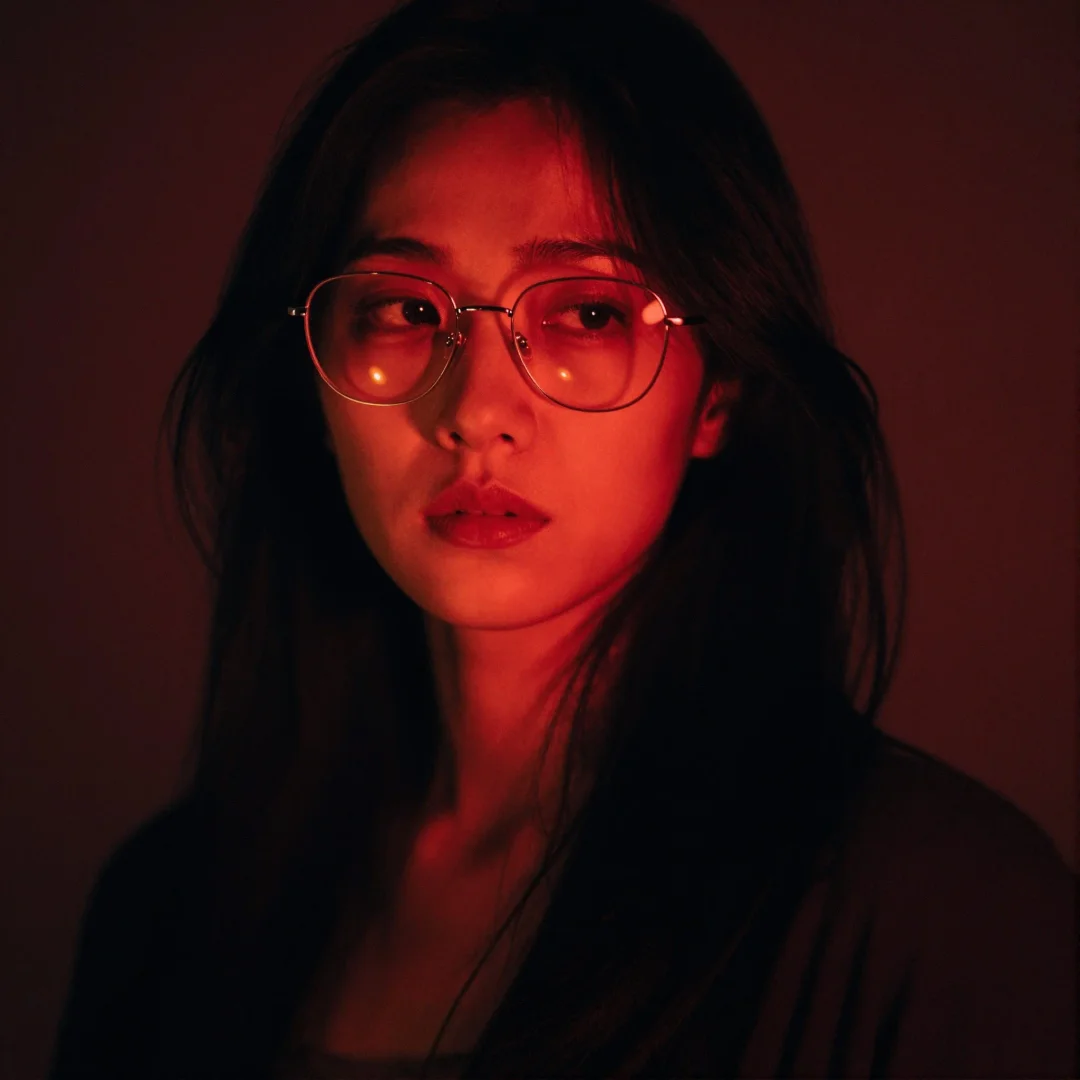
"Enigmatic woman with jet black hair, reflective wire-frame glasses, stoic unreadable expression, subtle teary glint, quiet defiance, semi-silhouette c..."
Z-Image VRAM Requirements
Run Z-Image locally on consumer GPUs. This low VRAM stable diffusion alternative needs no datacenter hardware.
Minimum
Example GPUs
- RTX 3060 Laptop
- RTX 2060
- RTX 4050
Inference Speed
15-25 seconds
Z-Image VRAM requirements at minimum: Requires GGUF/Q8 quantization & CPU offload. Functional for testing the model locally but slower than native image precision.
Recommended
Example GPUs
- RTX 3060 (12GB)
- RTX 4070 Ti
- RTX 4080
Inference Speed
3-7 seconds
Optimal Z-Image Turbo experience. Native BF16 precision for this efficient AI image generator. The 'sweet spot' for running the generator locally with real-time image iteration.
Optimal
Example GPUs
- RTX 3090
- RTX 4090
- RTX 6000 Ada
Inference Speed
< 1 second
Maximum Z-Image Turbo performance. Supports massive batch image sizes and simultaneous ControlNet workflows. Ideal for LoRA training guide experiments.
Z-Image vs Flux vs Midjourney vs SDXL
AI image generation benchmark 2026: Compare Z-Image Turbo against FLUX, Midjourney, and Stable Diffusion.
| Dimension | Z-Image Turbo | FLUX.1 [dev] | SD 3.5 Large | Midjourney v6 |
|---|---|---|---|---|
| Parameters | 6 Billion | 12 Billion | 8 Billion | N/A (Closed) |
| Inference Steps | 8 Steps | 20-50 Steps | 30-40 Steps | N/A |
| VRAM Req. | 12GB (Native) | 24GB (Native) | 16GB | Cloud Only |
| License | Apache 2.0 | Non-Commercial | Community | Proprietary |
| Photorealism | High (95%) | Ultra (100%) | Medium | Artistic |
| Speed (4090) | ~0.8s | ~3.5s | ~4s | ~30s |
| Text Rendering | Excellent (Bilingual) | Excellent | Good | Good |
Data sourced from November 2025 Benchmarks. 4090 GPU used for speed tests.
How to Run Z-Image Locally
Z-Image ComfyUI workflow and Diffusers pipeline setup. Fast text-to-image model Python integration guide.
# Z-Image Turbo - Fast text-to-image model Python setup
# Diffusers pipeline Z-Image implementation
import torch
from diffusers import DiffusionPipeline

# Load Tongyi-MAI Z-Image Turbo - efficient AI image generator
pipe = DiffusionPipeline.from_pretrained(
    "Tongyi-MAI/Z-Image-Turbo",
    torch_dtype=torch.bfloat16,  # Low VRAM stable diffusion alternative
    trust_remote_code=True
).to("cuda")

# Generate with Z-Image Turbo's optimal settings
# This 6B parameter diffusion model needs only 8 steps
image = pipe(
    prompt="A cinematic shot of a cyberpunk detective, neon rain, 8k",
    num_inference_steps=8,  # Z-Image Turbo optimized for 8-10 steps
    guidance_scale=1.5,     # Keep CFG low to avoid Z-Image blurry fix issues
    width=1024,
    height=1024
).images[0]

image.save("z-image-turbo-result.png")
Pro Tip: Distillation
Z-Image Turbo is distilled. Do not exceed 12 steps or CFG 3.0, or the image will "burn" and oversaturate.
Pro Tip: Resolution
Native resolution is 1024x1024. For 4K, generate at 1024 and use an upscale workflow instead of native generation.
Z-Image Turbo Community
Join thousands of creators using this efficient AI image generator. See why users are switching from Midjourney and FLUX.
"Z-Image Turbo's jaw-dropping speed lets me iterate in real-time on my 4090. This efficient AI image generator changed my workflow completely."
"Finally a next-gen 6B parameter diffusion model that feels native on my 12GB card. Z-Image VRAM requirements are incredibly reasonable."
"The skin textures from this model are incredible for an 8-step image generator. This open-source photorealistic AI has no plastic look whatsoever."
"Bye bye cloud subscriptions. Z-Image Turbo runs locally perfectly. Best local AI image generator I've tested in 2026."
"Z-Image vs SDXL isn't even close. Tongyi-MAI Z-Image leapfrogs SD3.5 entirely in efficiency and quality."
"Z-Image Turbo's bilingual text rendering is a game changer. This Alibaba generative AI model serves our Asian markets perfectly."
"The Z-Image ComfyUI workflow is smooth once you update the ComfyUI Z-Image nodes. Highly recommend checking the official guide."
"Z-Image vs Flux benchmark: 95% of quality for 20% of compute cost. The AI image generation benchmark 2026 speaks for itself."
"The S3-DiT architecture explained in their paper is brilliant. Single-Stream DiT is the real innovation behind the Turbo model's image generation efficiency."
"Z-Image vs Midjourney? It offers control and privacy that closed platforms cannot. Run the model locally with full image ownership."
"Best open-source release of 2026. Tongyi-MAI Z-Image sets the new standard for efficient AI image generators."
"Z-Image Turbo runs without aggressive swapping on my laptop. The low VRAM image generation alternative we've been waiting for."
Z-Image Turbo FAQ
Common questions about Tongyi-MAI Z-Image: installation, VRAM requirements, ControlNet setup, and troubleshooting.